
Setting up Zeppol
Four steps between installing Zeppol and an invoice that has left the building. The setup checklist in the app tracks all four and tells you which one is incomplete.
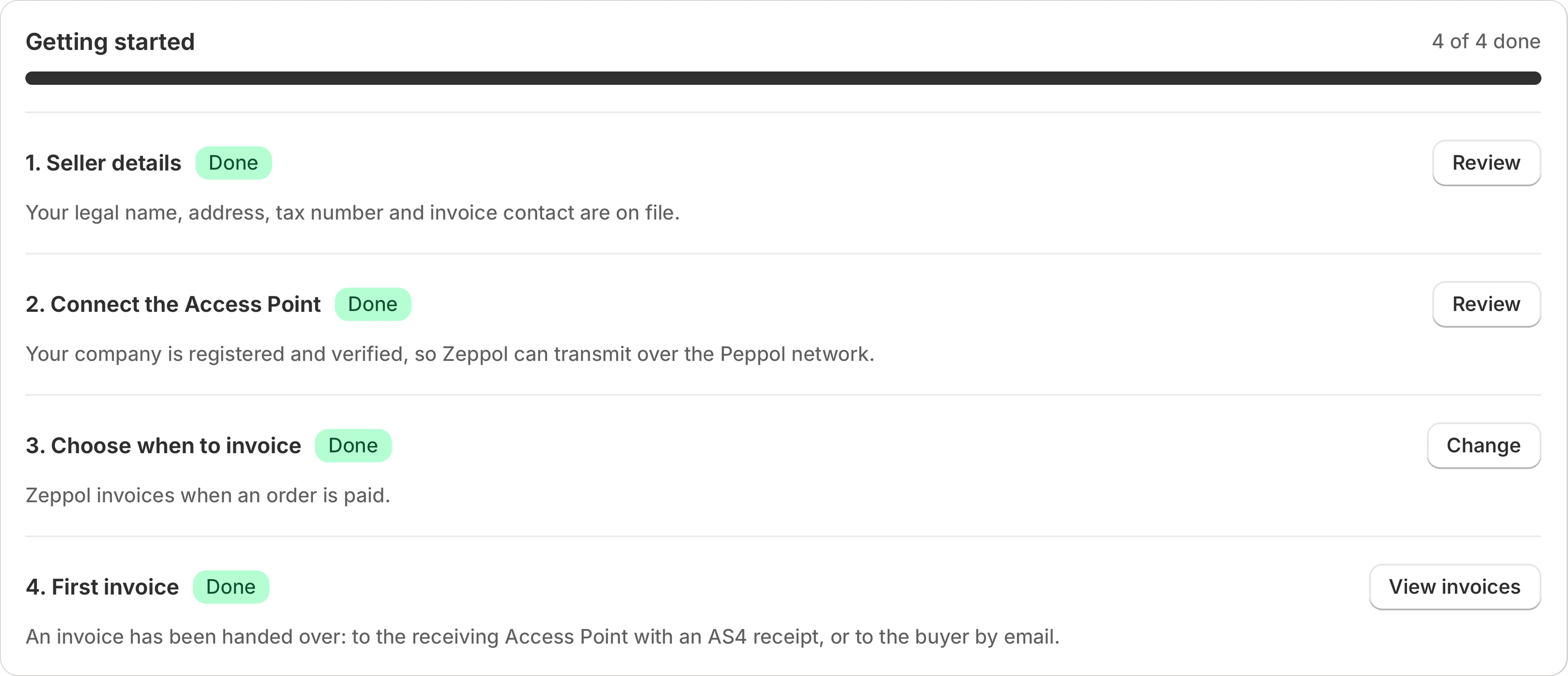
1. Seller details
Your own legal identity, which every invoice has to carry. §14 UStG requires the registered company name, the full address, a tax number or VAT identification number, and contact details. Zeppol asks once and stores them.
If any of these is missing, invoices stop with a reason code naming the field rather than going out incomplete. A missing seller tax number is the single most common cause of a blocked first invoice.
2. Connect the Access Point
Zeppol transmits over Peppol through a certified Access Point rather than connecting to the network itself. This step registers your company as a participant so other businesses can address invoices to you and so yours can leave.
You do not need to understand AS4, SMP lookups or participant identifier schemes to complete it. Zeppol derives your Peppol participant id from your VAT number using the official EAS code list and registers it.
This step is optional if you only want to send by email. Germany mandates the invoice format, not the channel, so an emailed EN 16931 document is a complete answer to the law. See how an invoice leaves.
3. Choose when to invoice
There are three triggers, and you pick one:
| Trigger | When the invoice is raised | Use it when |
|---|---|---|
| Order created | As soon as the order exists in Shopify | You invoice on order and collect payment later |
| Order paid | When Shopify marks the order paid | The common case, and the default |
| Order fulfilled | When the order is fulfilled | You want the supply date to be the shipping date |
The choice matters for more than timing. German law requires the date the goods or services were supplied to appear on the invoice, and Zeppol takes that date from fulfilment. On the created and paid triggers an order that has never been fulfilled can therefore stop with a missing supply date.
You can also review the first few invoices by hand before trusting the automation, and switch that off once you have seen it work.
4. The first invoice
Take one real B2B order and let it run. A completed first invoice means your seller details are accepted, the buyer data was sufficient, the document passed both rule sets and it was handed over, either to the receiving Access Point with an AS4 receipt or to the buyer by email.
The Free plan exists for exactly this: five documents in total, no card, so you can prove the whole path on a real buyer before paying for anything.
What to expect afterwards
After setup Zeppol only asks for you when an order is missing something an invoice legally needs. Those land in the exceptions inbox with the rule that refused them and the field to change. That list is the surface you will actually use day to day, and it is documented in full under blocked invoices.
Something missing here?
Write to me. Anything asked more than once ends up on this page.